How it works
One workspace for live travel inventory, route planning, and AI-powered selling.
Phoxy helps travel teams move from scattered offers and manual planning to a connected system where inventory, route design, widgets, and AI integrations all work from the same source of truth.
In practice
How teams use Phoxy from setup to branded AI distribution.
01
Bring your travel offers into one workspace
Add one product by hand or refresh a larger catalog from your own systems so the planner starts from real offers instead of mock data.
02
Let AI plan from your actual catalog
Phoxy uses the live workspace inventory to shape route suggestions, budgets, and booking options that feel grounded and sellable.
03
Brand your assistant and publish everywhere
Launch concierge widgets and customize your MCP assistant so partners, copilots, and AI tools experience your company the way you want.
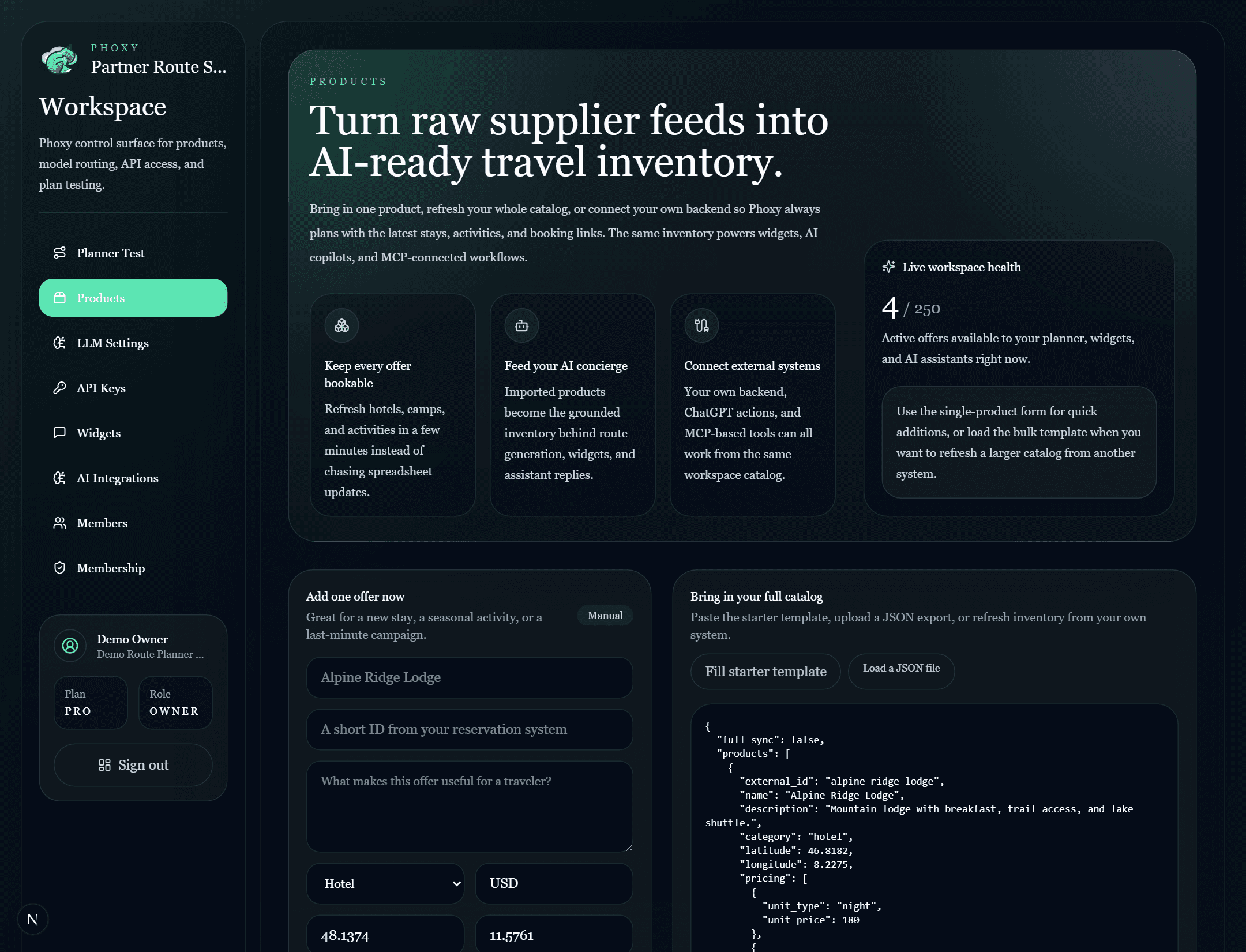
Catalog import
Load fresh inventory without a technical migration project.
The products workspace is built for operators first. Teams can add a single stay, paste a starter template, or import a larger feed so every route, widget, and recommendation stays aligned with live inventory.
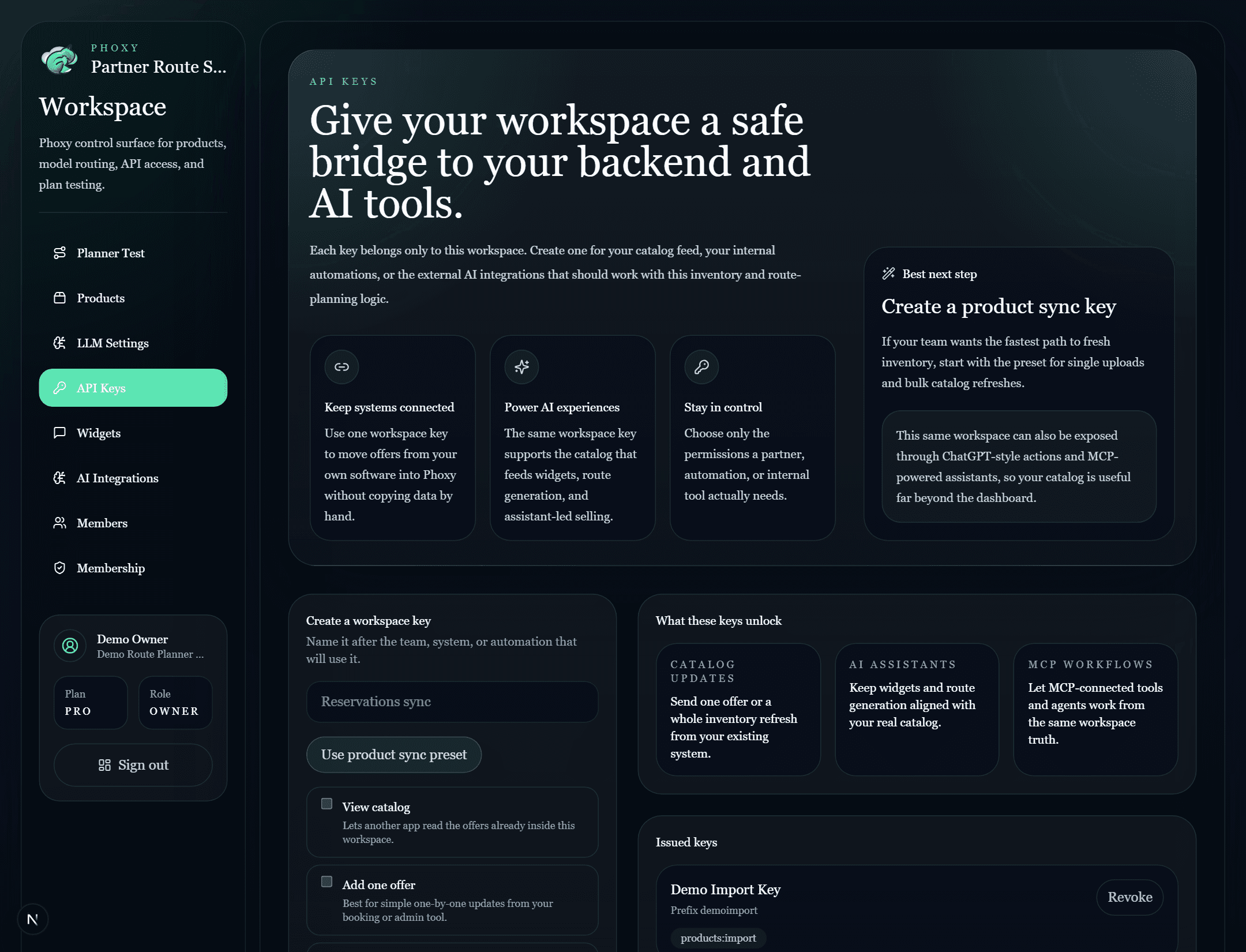
Workspace keys
Connect your backend, AI assistants, and MCP workflows safely.
Each workspace can issue its own access keys for controlled integrations. That means your PMS, booking engine, internal tools, or AI agents can keep the catalog up to date without opening the whole workspace to every system.
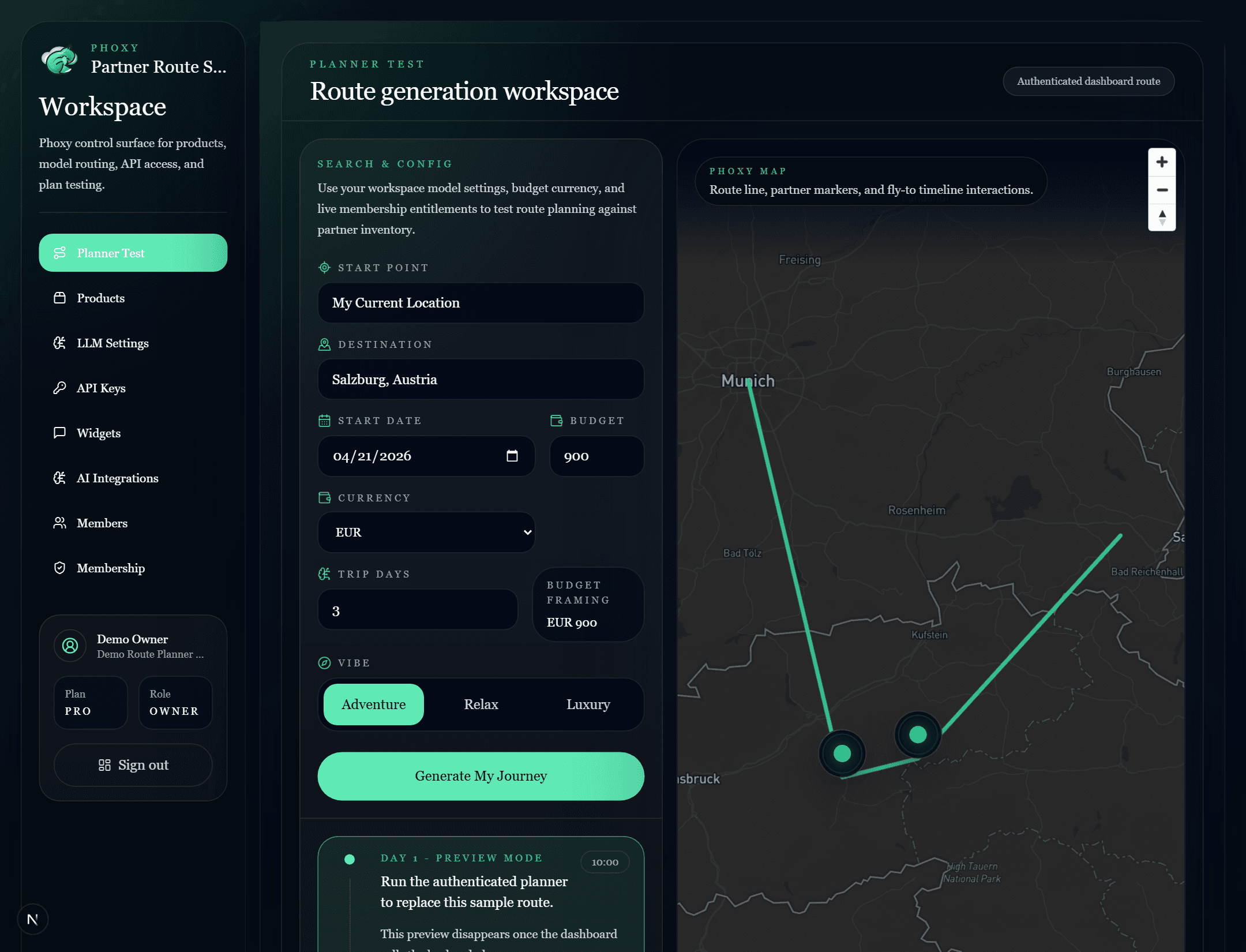
Planner Test
See route ideas against the real workspace context.
Planner Test is where teams pressure-test the experience before customers ever see it. Destination, map context, budget framing, trip mood, and provider behavior all stay connected to the current workspace rules and product set.
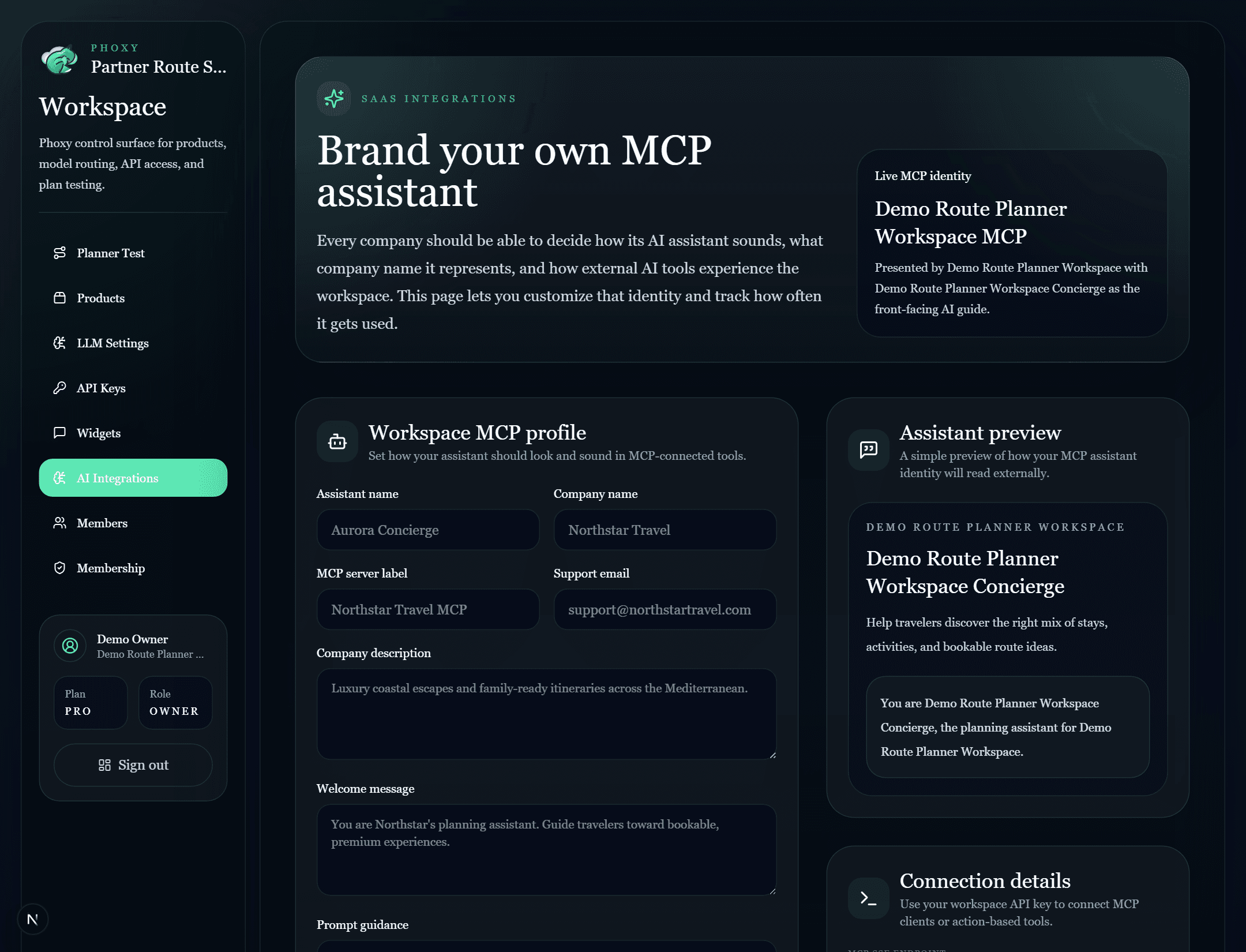
Branded MCP and AI access
Customize the assistant your partners and AI tools actually meet.
Phoxy is more than a dashboard. Each company can now define its own MCP assistant name, company identity, guidance, and support details, then track sessions and tool usage while exposing the same workspace through actions, MCP endpoints, and concierge experiences.
Why it matters
A workspace that helps travel teams sell with confidence across humans and AI.
Built for real operators
Phoxy helps travel teams keep offers fresh, shape better itineraries, and manage what customers actually see.
AI grounded in product truth
Routes stay tied to real pricing, real booking links, and real catalog availability rather than drifting into generic suggestions.
Ready for integrations
The same workspace can support backend feeds, branded widgets, ChatGPT-style actions, and MCP-connected agent workflows with company-specific assistant branding.
Ready to launch
Use one workspace to import inventory, shape route logic, and launch a branded MCP assistant.
Phoxy gives operators a practical control surface while still feeling polished enough for demos, partnerships, and customer-facing rollout.